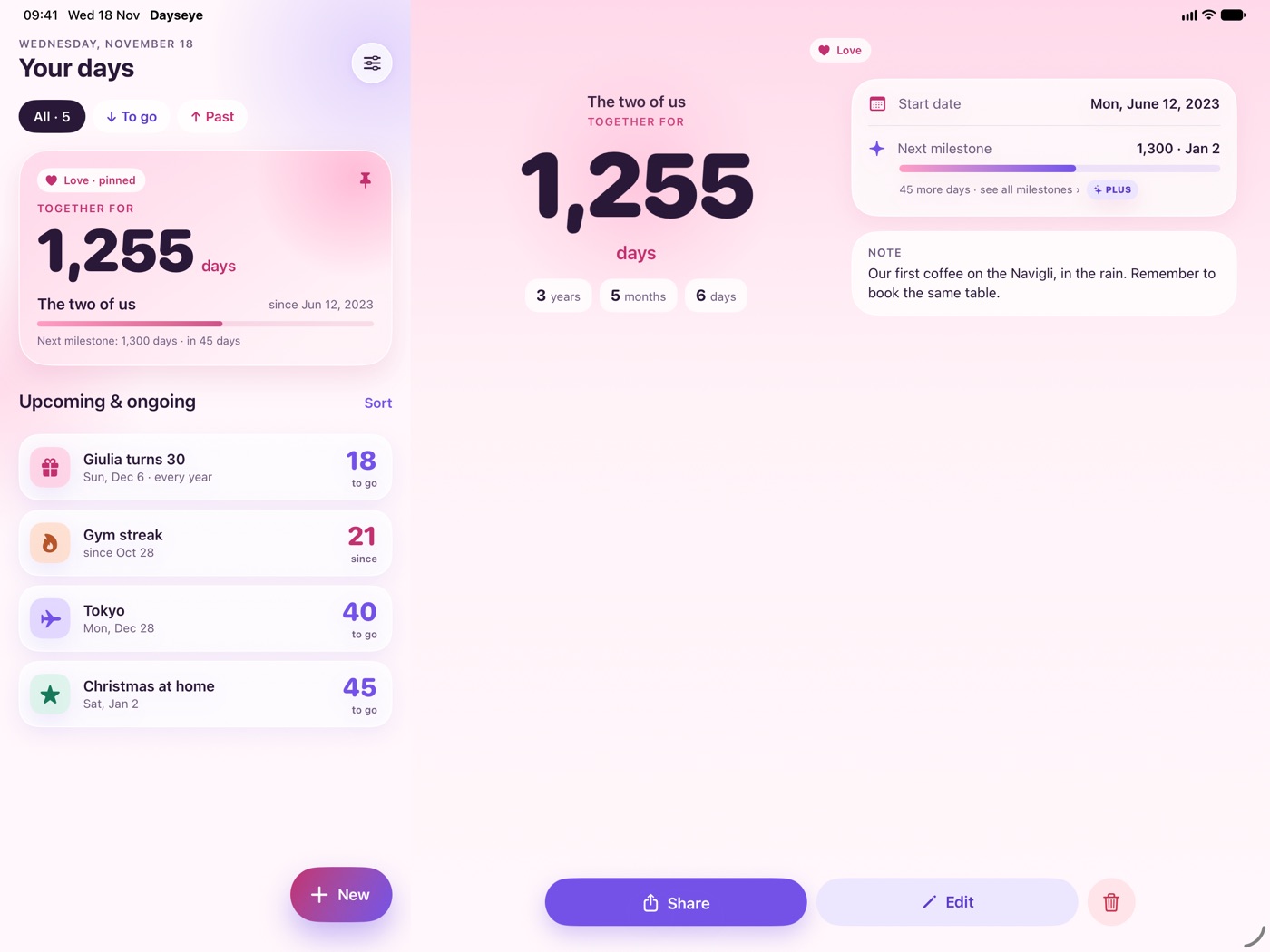
Love · pinned
Together for
1.248days
The two of ussince Jun 12, 2023
Next milestone: 1,300 days · in 52 days
A countdown to the trip, the days together with the one you love, your gym streak. All in one big, beautiful number: on your Home Screen, your Lock Screen and your wrist.
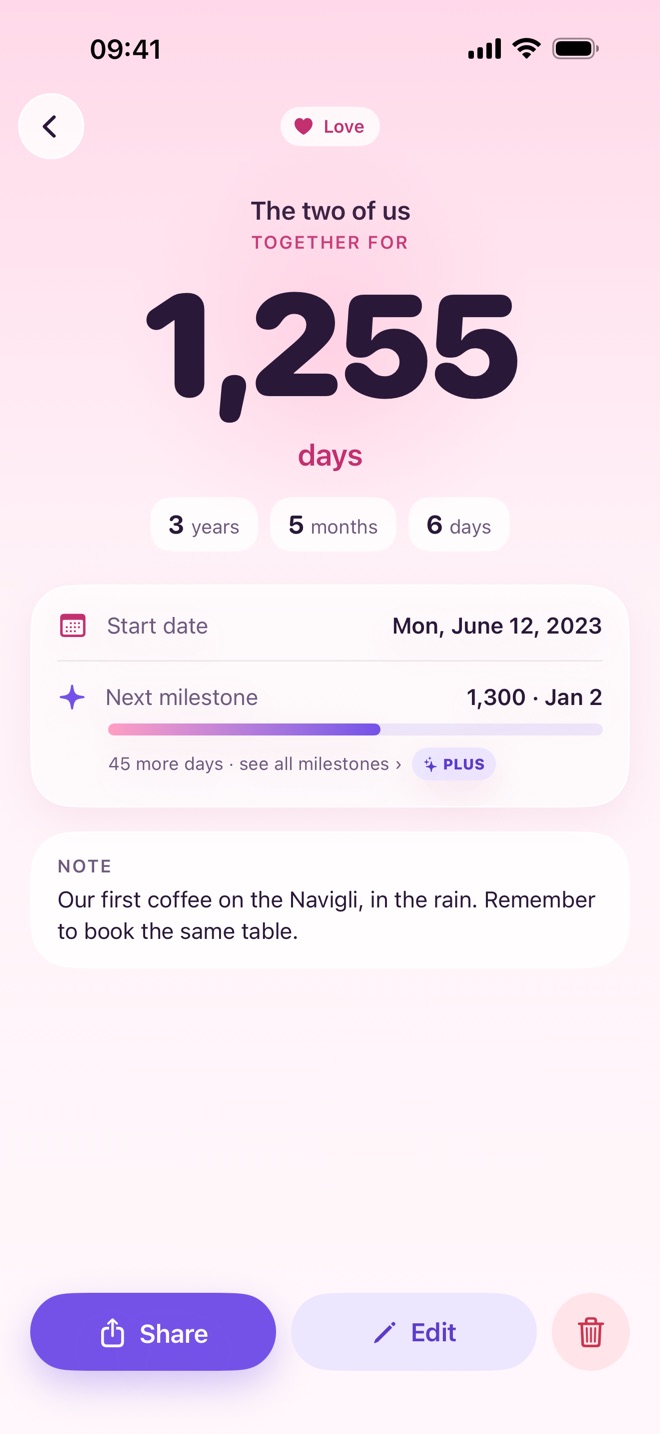
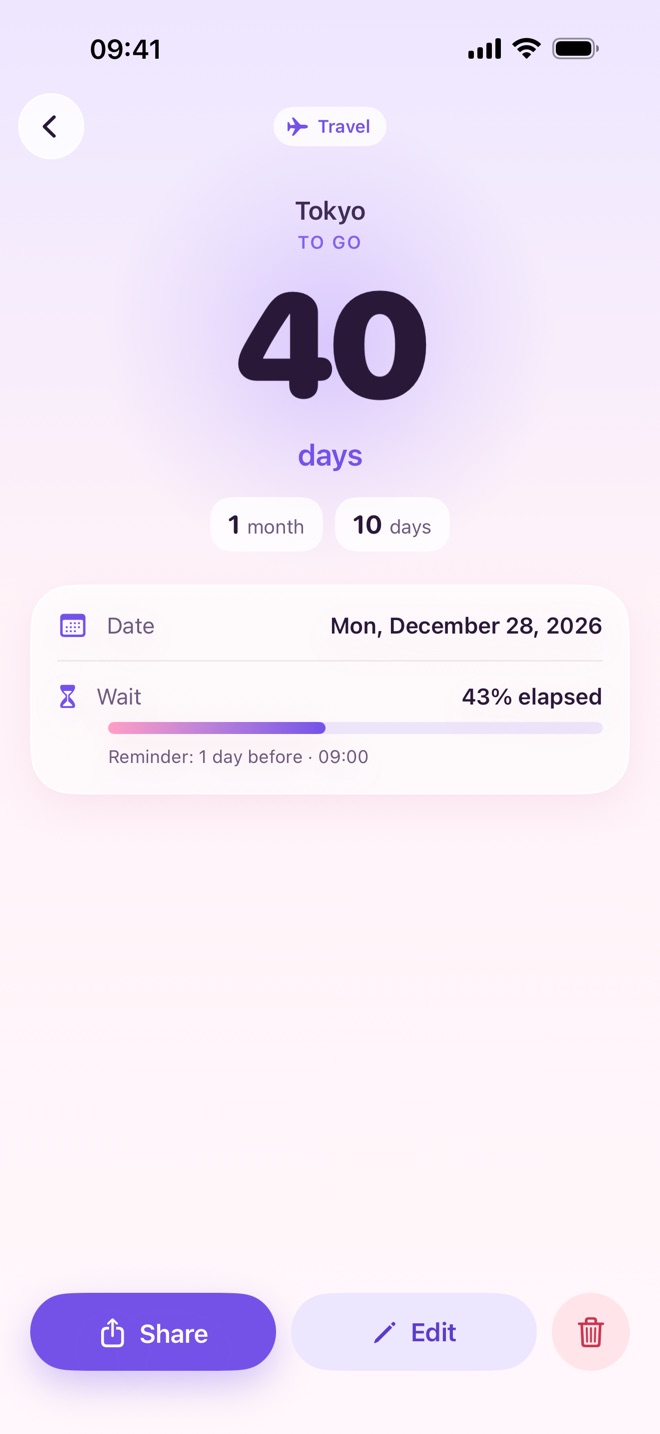
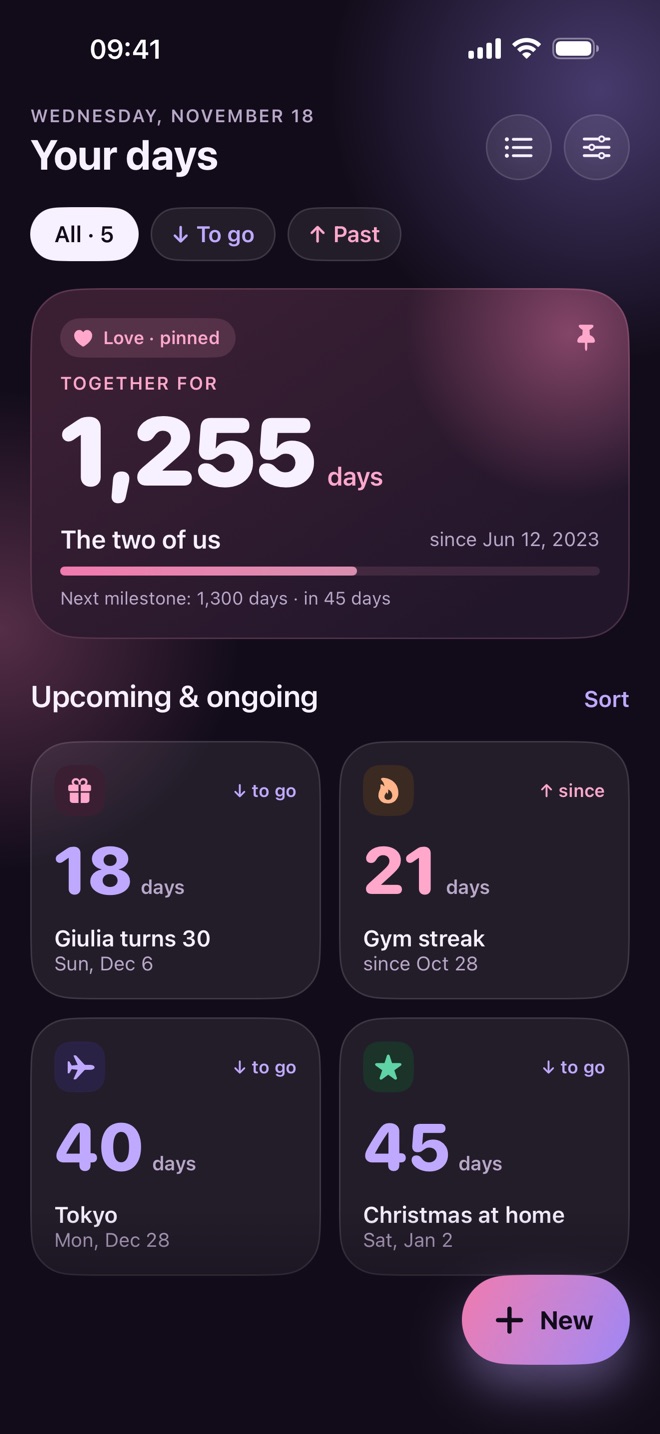
Your most important day stays pinned to the top. The rest follow in order, each with its own color and icon.
Trips, birthdays, exams, concerts. Dayseye shows the days to go and how much of the wait is already behind you.
How long you’ve been together, smoke-free, or hitting the gym. In days, and in years and months too.
Type a title, pick a date and watch the live preview take shape as you go.
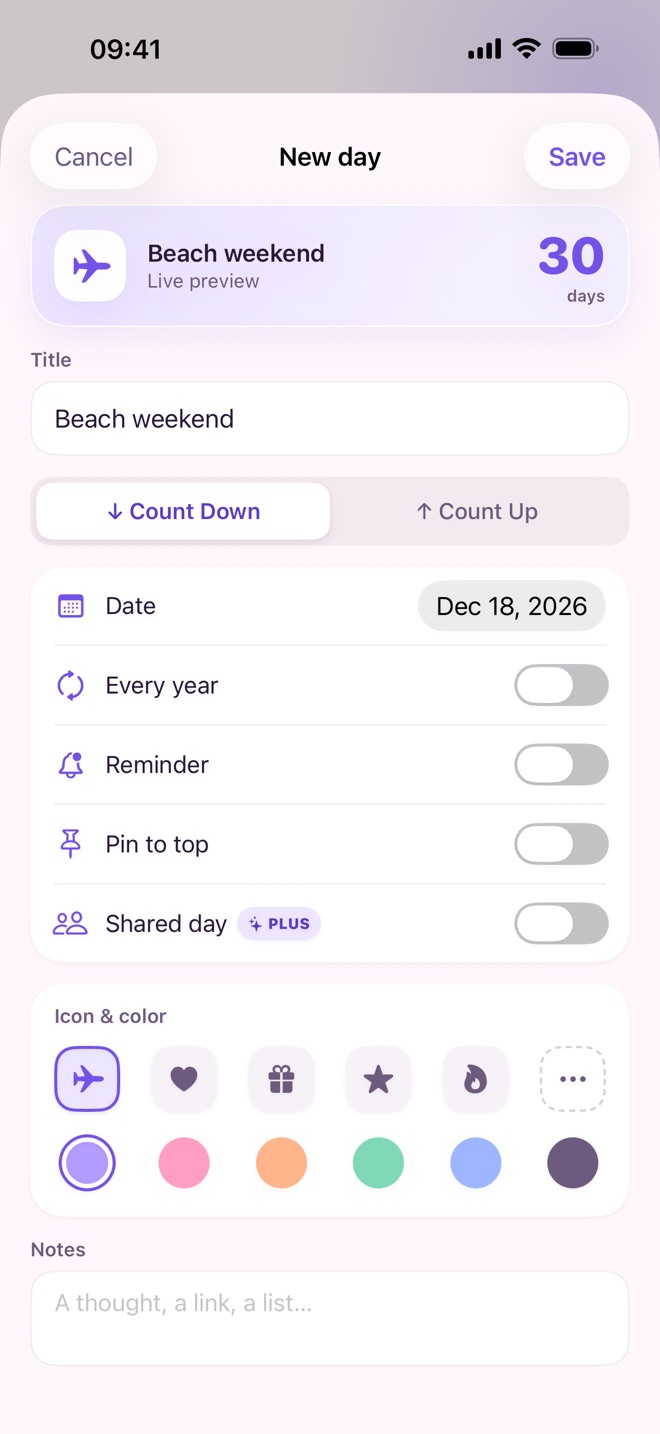
On your Home Screen, your Lock Screen and your wrist. Widgets update themselves at midnight.
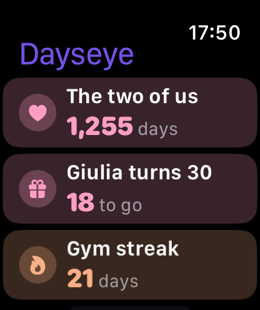
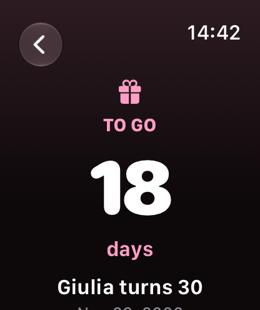
A big, clear number, soft colors and an icon for every day. In Dark Mode and on iPad too.
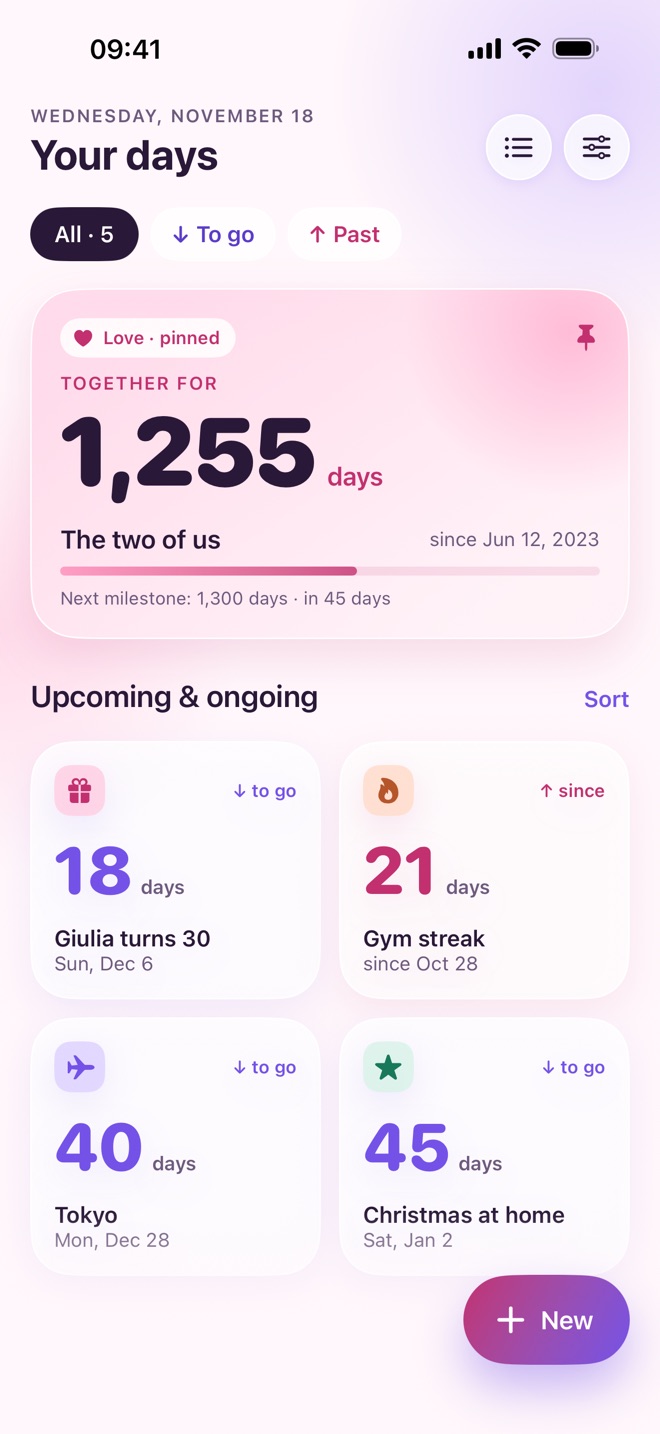
List and detail side by side, on the big screen.
What you enter stays on your iPhone and, if you like, in your iCloud. We never see it.
Read the privacy policy › Dayseye Plus
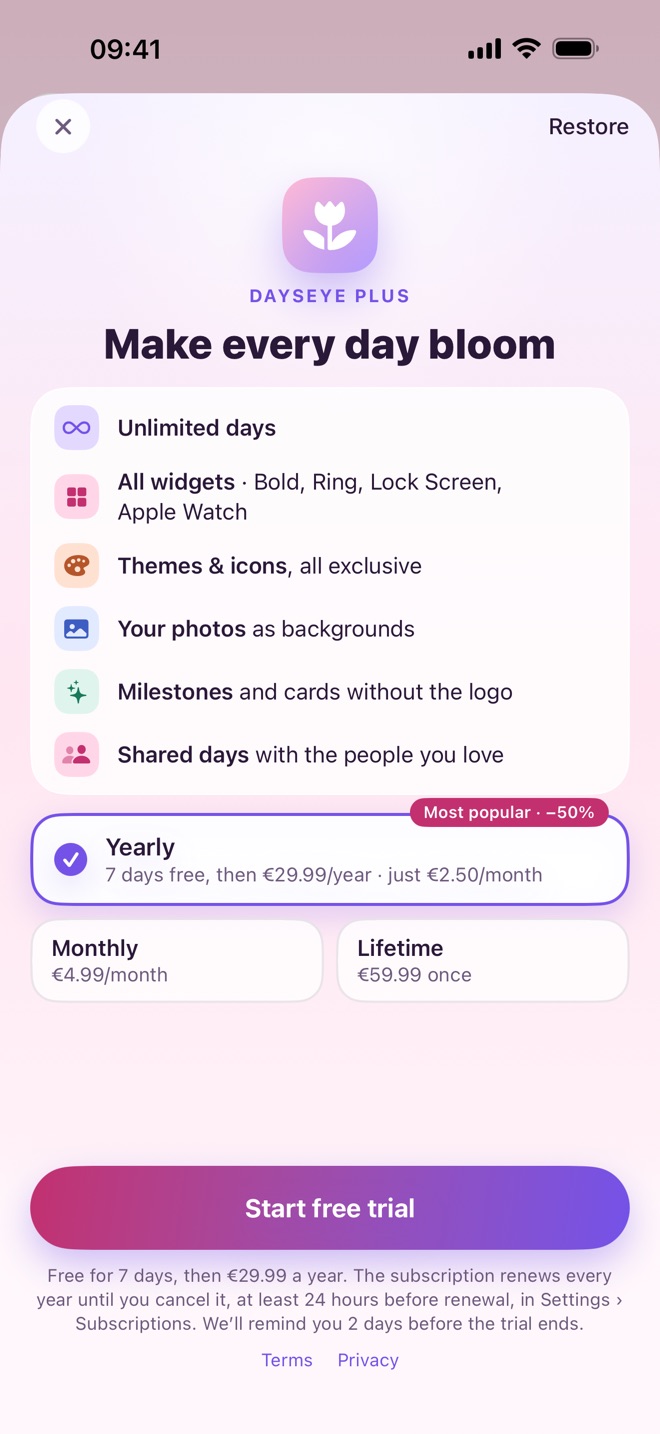
Dayseye is free for up to 5 days. When you want more, there’s Plus.
Bold, Ring, Lock Screen, Apple Watch complications
The App Store shows prices in your local currency. Subscriptions renew automatically unless canceled at least 24 hours before the end of the period, in your Apple Account settings.
No. Dayseye works without an account and, if you want, backs up to your private iCloud. The Dayseye account is optional: it is only for syncing and sharing days, even with people on Android.
Settings › your name › Subscriptions › Dayseye. Cancel at least 24 hours before it renews.
They all stay saved and you can always see them. To add more than 5, you’ll need Plus again.
Free on the App Store, for iPhone, iPad and Apple Watch.
Download on theApp Store